The link in bio for people with more to say
Fill in the boxes and watch your page draw itself. The editor has 14 kinds of block waiting.
- 14 days free
- Then £4 a month
- No ads on your page
- Add a card when you go live
Five links was never going to be enough
Stack blocks in any order, or put two side by side. If one isn't finished, hide it until it is.
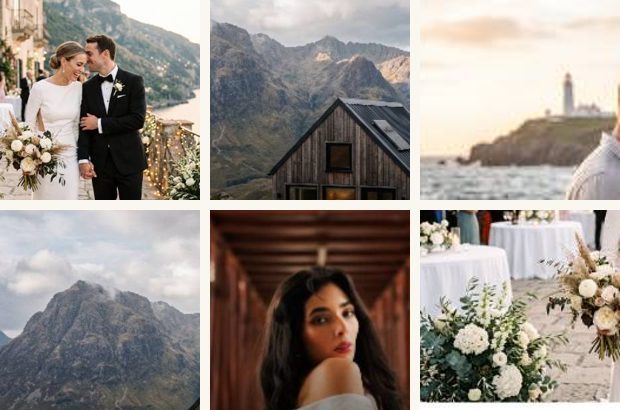
Photo grid
Your best shots, laid out in rows. Tap one and it fills the screen.
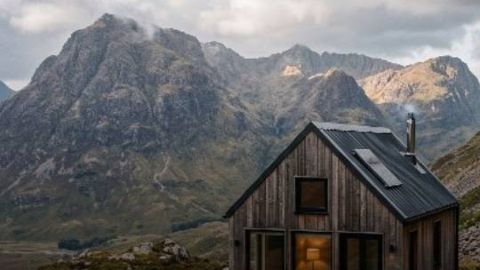
Video
Paste a YouTube link and it plays right there on your page.
Music
Spotify and SoundCloud tracks play on the page, so nobody gets sent off to another app.
Countdown
Ticks down to the launch, the gig or the day the shop opens.
FAQ
Write the answer once instead of replying to the same DM every week.
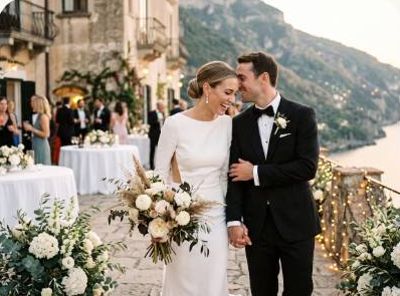
Spotlight
One big card for the thing you most want people to see.
Donate
PayPal, Patreon, Buy Me a Coffee and three more, in one row of buttons.
Affiliate links
The gear you use, with a copy button on every link.
Try it freeAll 14 come with the £4 plan.
Some pages to borrow ideas from
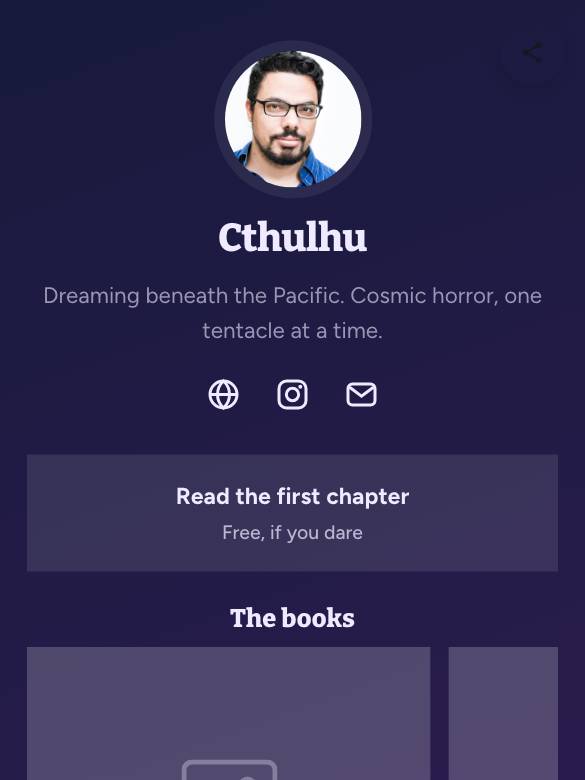
These are example pages we built to show off the blocks. Open one and have a scroll.
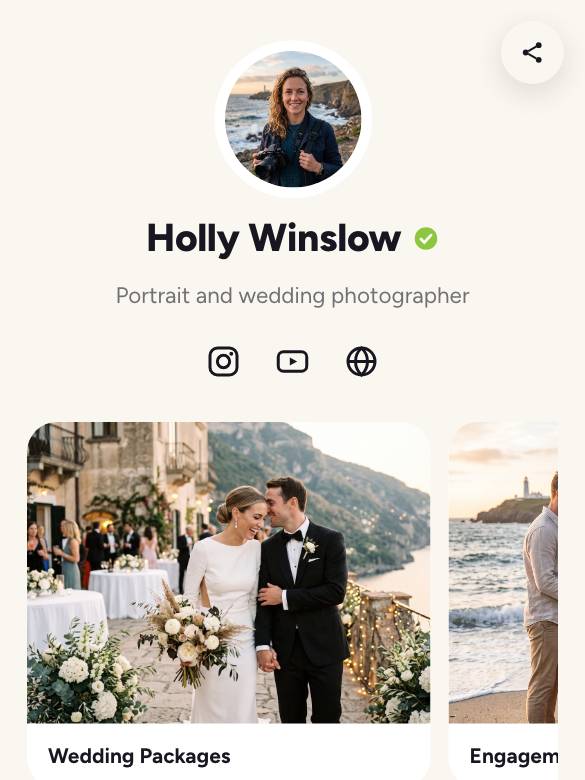
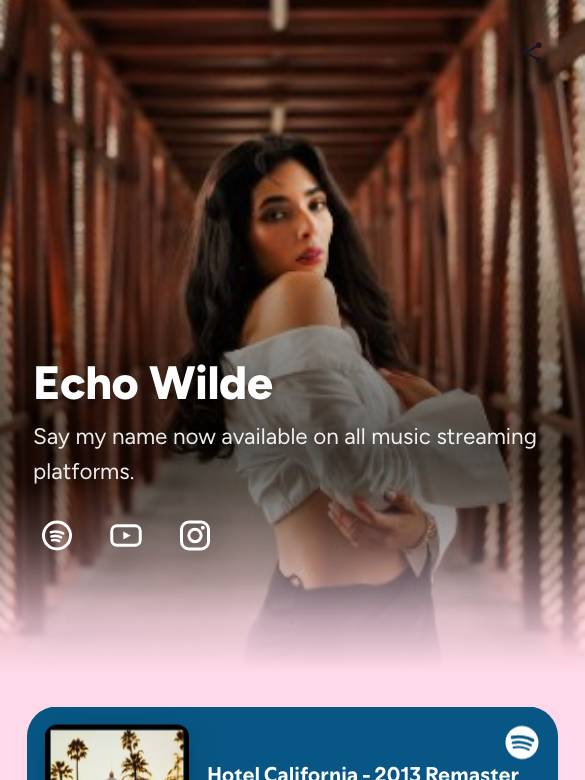
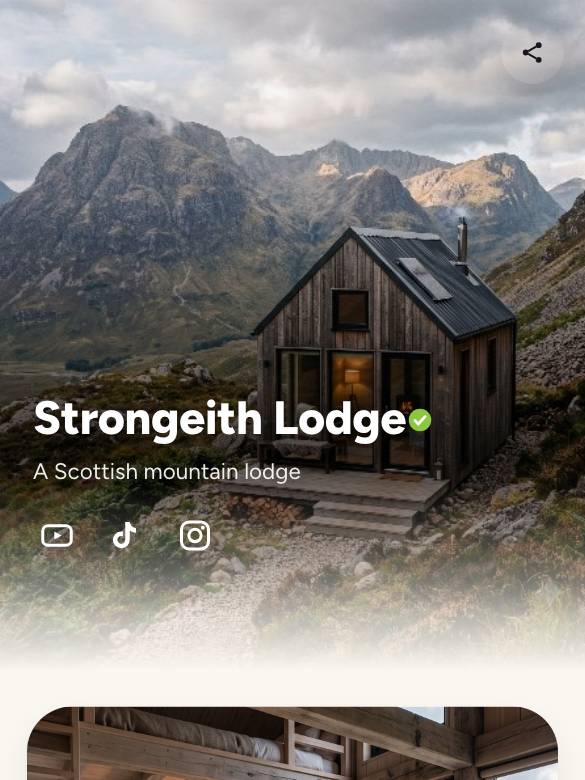
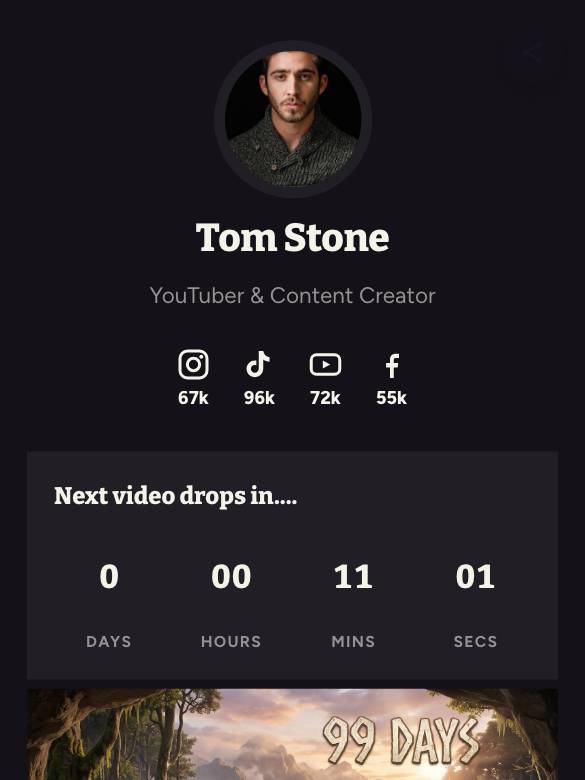
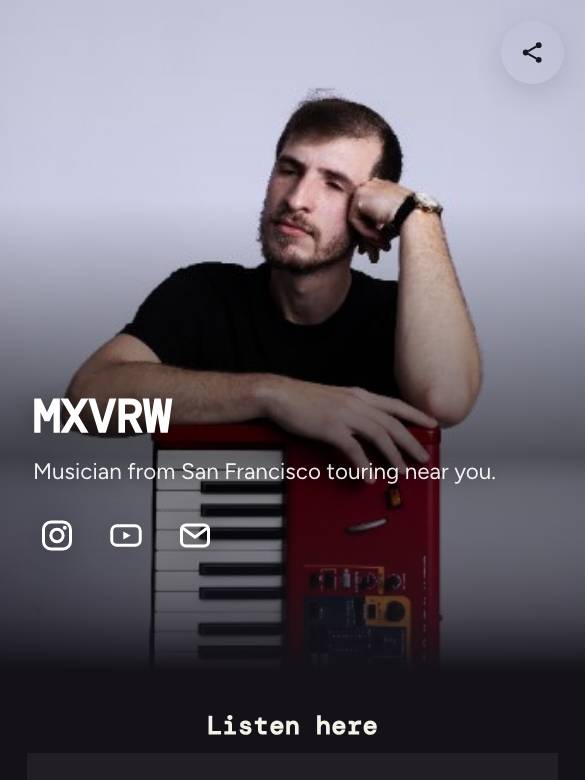
On a laptop it becomes a proper little website
Most link pages are a phone screen stretched across a monitor. On a big screen your name and photo sit in a column on the left, with the blocks laid out beside them.
Try it freeThe laptop layout switches on by itself when someone opens your link on a bigger screen.
See which links people tap
Every link and block counts its own clicks. You'll know the shop link gets used and the newsletter one is just taking up space.
About five minutes, start to finish
-
1
Pick your name
Type it in the box at the top. It goes on the end of monsterlink.io and becomes yours when the page goes live.
-
2
Build it
Add your blocks and pick a colour. Once it's live you can edit it from your phone or your laptop, and finish it on the bus.
-
3
Put it in your bio
Instagram, TikTok, YouTube, your email signature. One link does the lot.

£4 a month, everything included
There's one plan and you pay for it a month at a time. There isn't a free version or a yearly one.
- Payments go through Stripe and your card number stays with them. We run it from the UK and charge in pounds.
- If you're charged after you meant to cancel, email hello@monsterlink.io and it's refunded in full.
£4a month
after 14 days free
- Your own monsterlink.io name
- All 14 kinds of block
- Click counts on everything
- The laptop layout
- No ads on your page
- Cancel from Billing whenever you like
You add a card when your page goes live. Cancel before day 15 and you won't pay a penny.
Questions
What happens after the 14 days?
On day 15 your card is charged £4, then again every month until you cancel.
Do I need a card to try it?
Not to build. You can make the whole page first, and the card only comes in when you put it live. The 14 days start then.
How do I cancel?
Go to Billing in your account and choose Manage billing. Cancel during the 14 free days and nothing is taken. After that, your page stays up until the end of the month you've paid for.
I already have a page somewhere else. How do I move?
Open your old page next to the editor and copy it across block by block. Most bio pages are a photo and five links, so it takes a few minutes. Then swap the link in your bios.
Who pays for it if there are no ads?
You do, with the £4. That's the whole business, so nothing about your visitors gets sold.
When is my name actually mine?
When you press Go live in the editor. Until then your page and your name are only saved in your browser, so someone else could get there first.
Can I change my name later?
Yes, in Page settings. Your old link stops working when you do, so update your bios straight after.
Can it sit on a web address I already own?
No, every page lives at monsterlink.io/yourname. Most places that sell domains let you forward yours to it, so people can still type the address they know.
Do people need an account to see my page?
No. Anyone with the link sees it straight away, without an app or a login.
What happens to my page if I stop paying?
Once the time you've paid for runs out, your page goes offline and your name is held for you. Nothing you built is deleted, and paying again brings it back exactly as you left it.
Your name might not be taken yet
Type it in and build your page on it.
14 days free, then £4 a month. The name is yours once you go live.